
Smart basketball rotations.
The coaching companion that automates your substitutions.


The coaching companion that automates your substitutions.
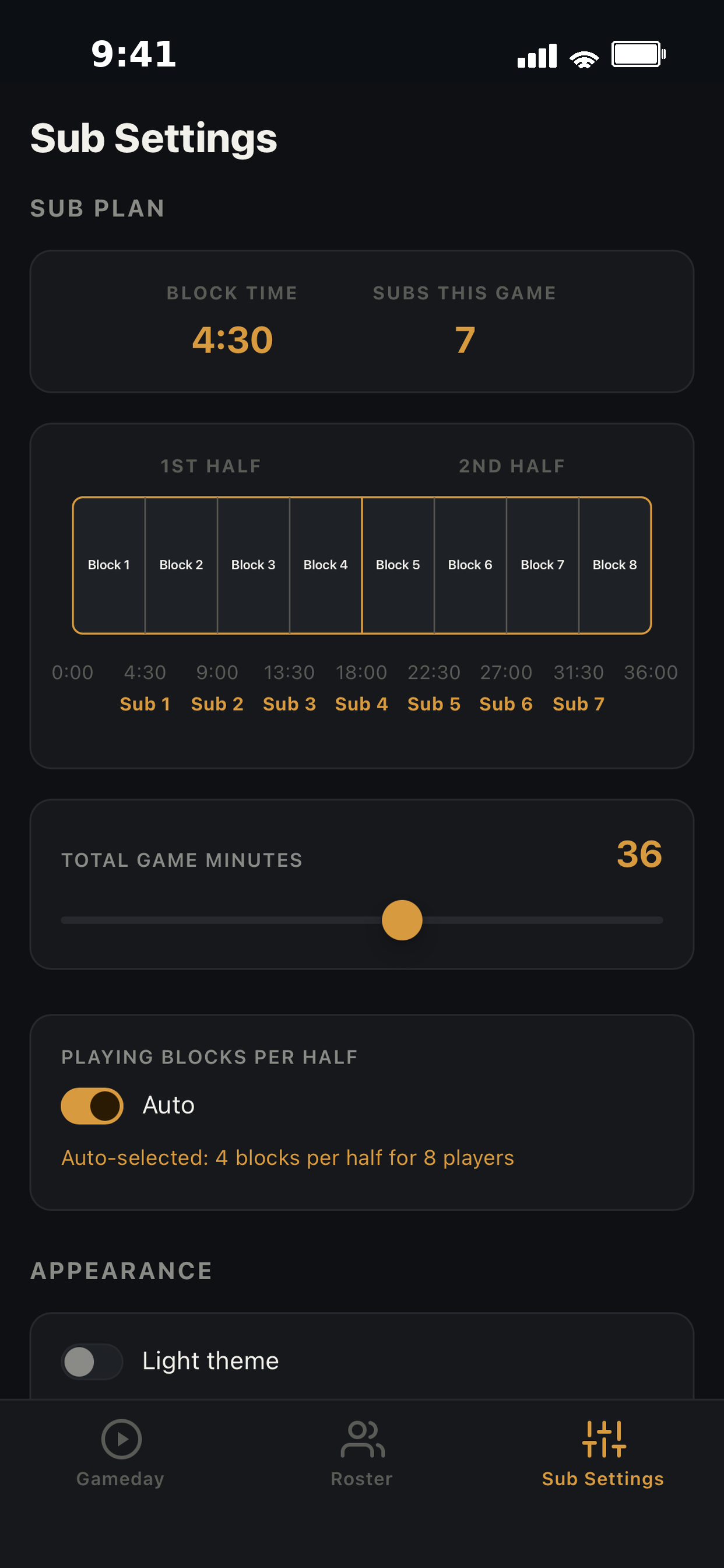
Sub Wizard automatically calculates how often players rotate, so every game has a fair rotation from day one.
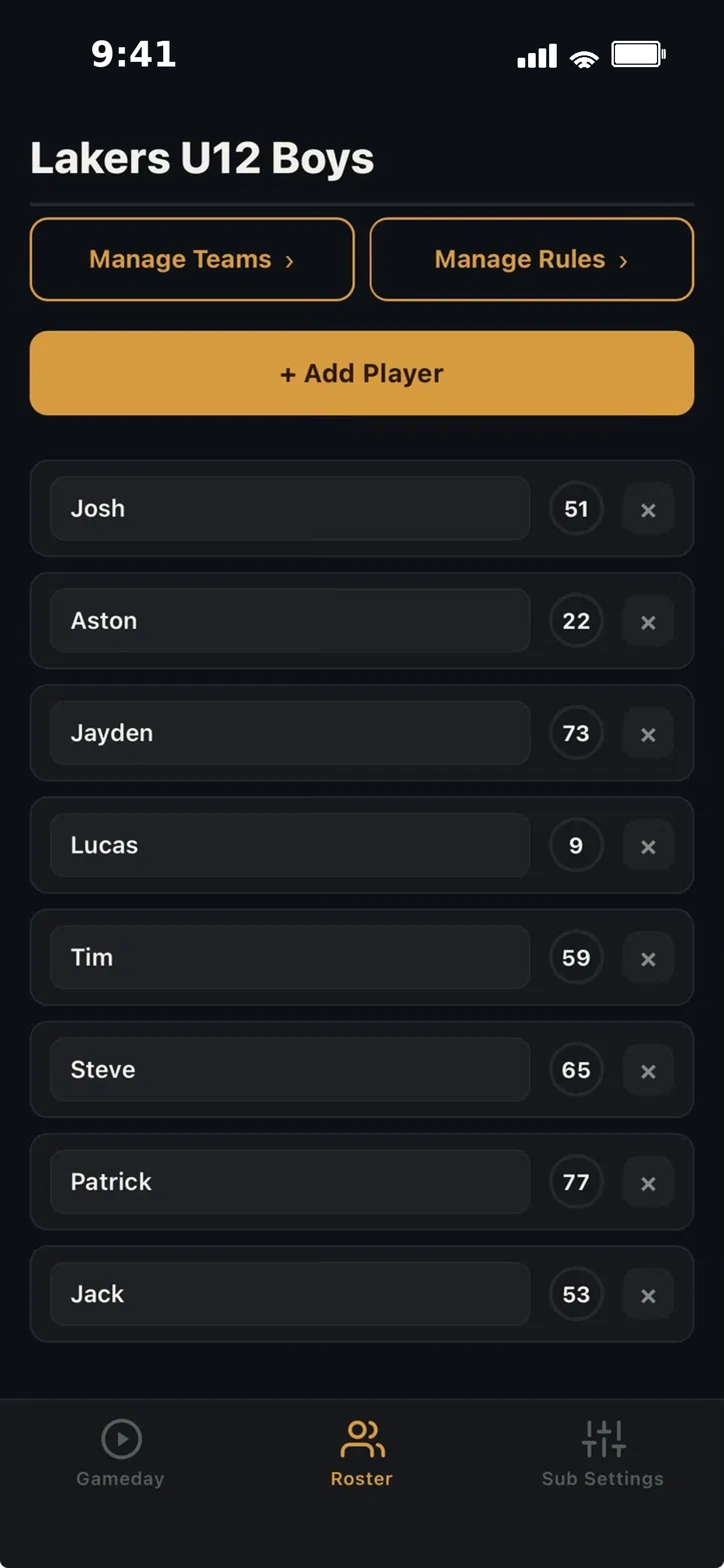
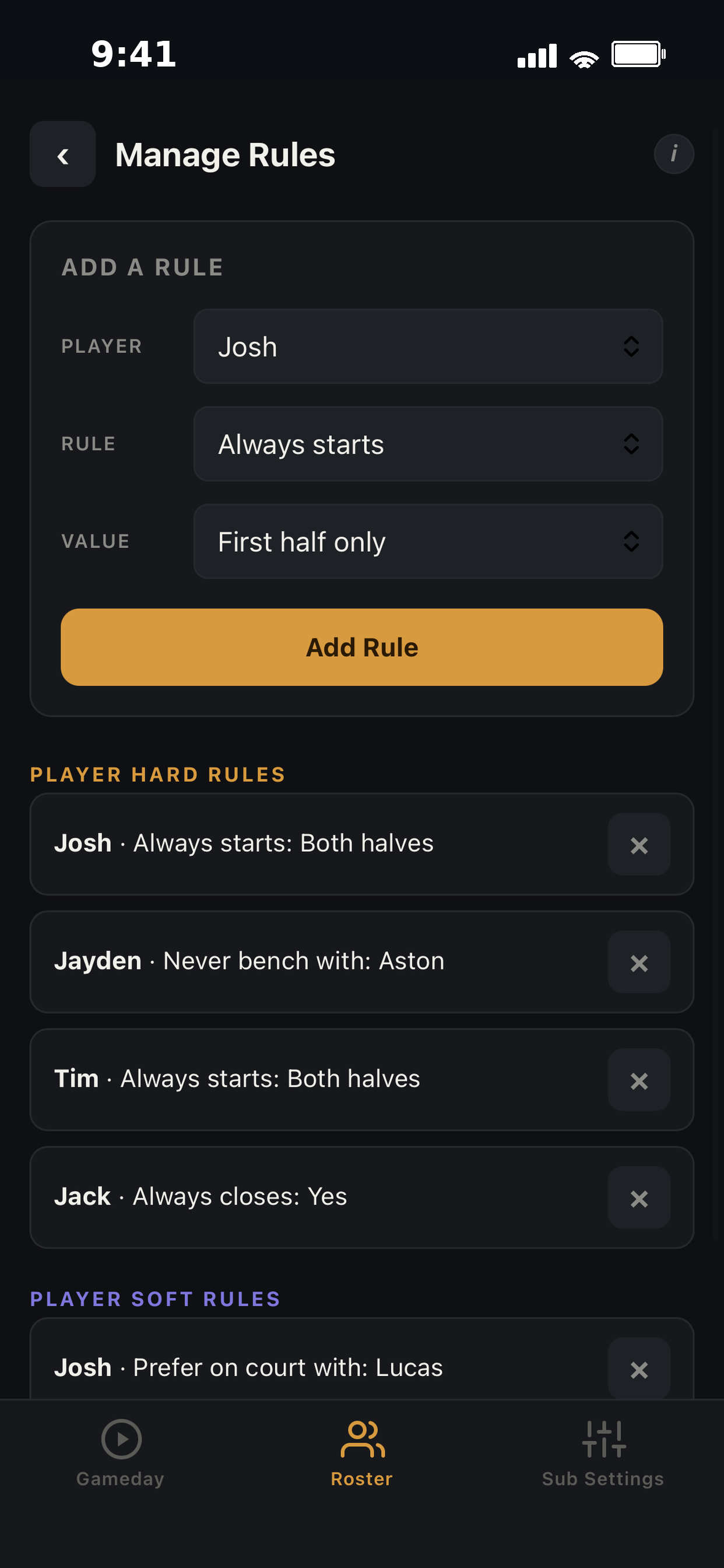
Got a player who should always start? A player to designate less minutes? Set a rule once, and every future lineup enforces it automatically.
Level up your coaching strategy by turning off auto mode and dialing in every number yourself.
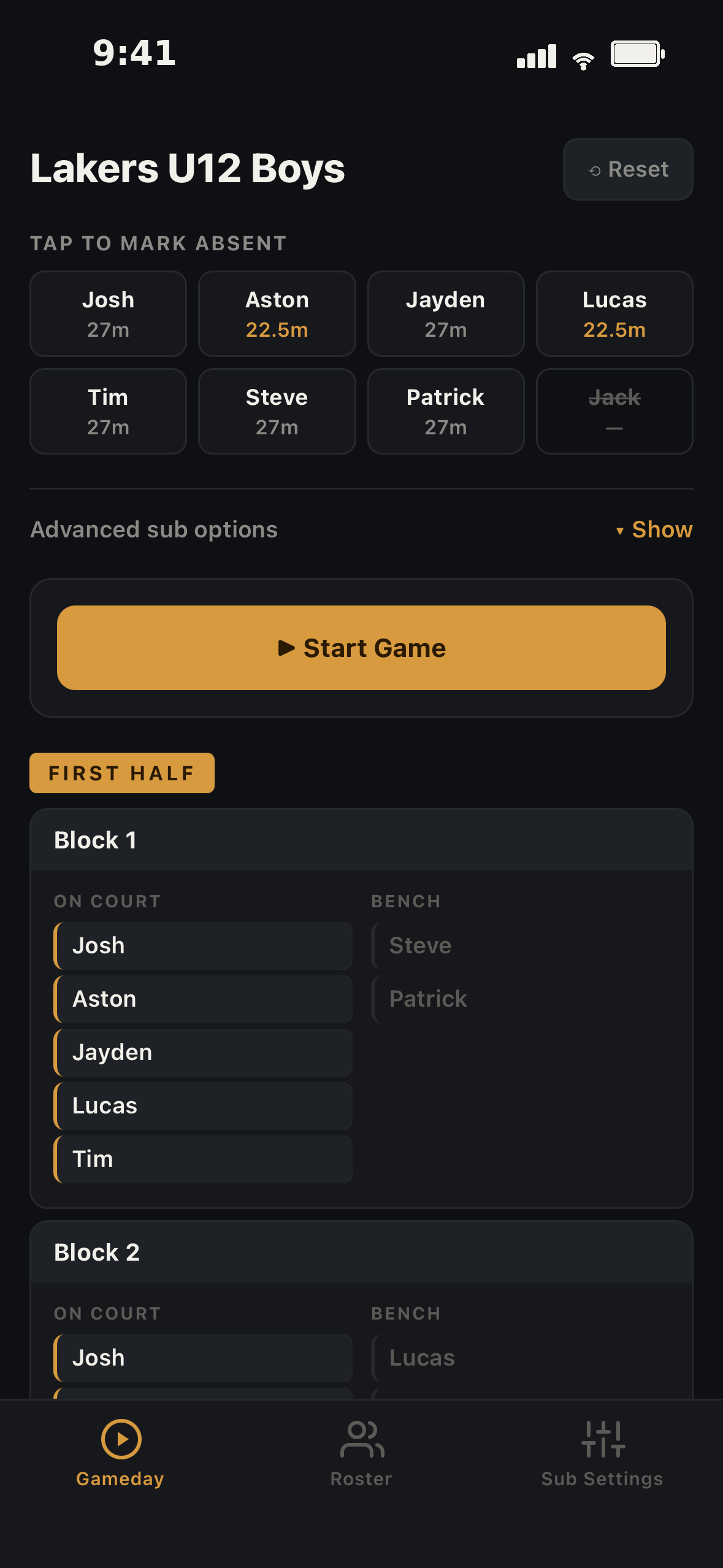
Expecting 8 players and only 7 show up? Tap who's absent on the Gameday tab, and your rotation recalculates instantly. No re-planning required.
Player gets injured mid-game? Tap Make a live sub, and your plan updates automatically for the players you have left. Your rules still apply. If they're ready to play again, just tap them back in.
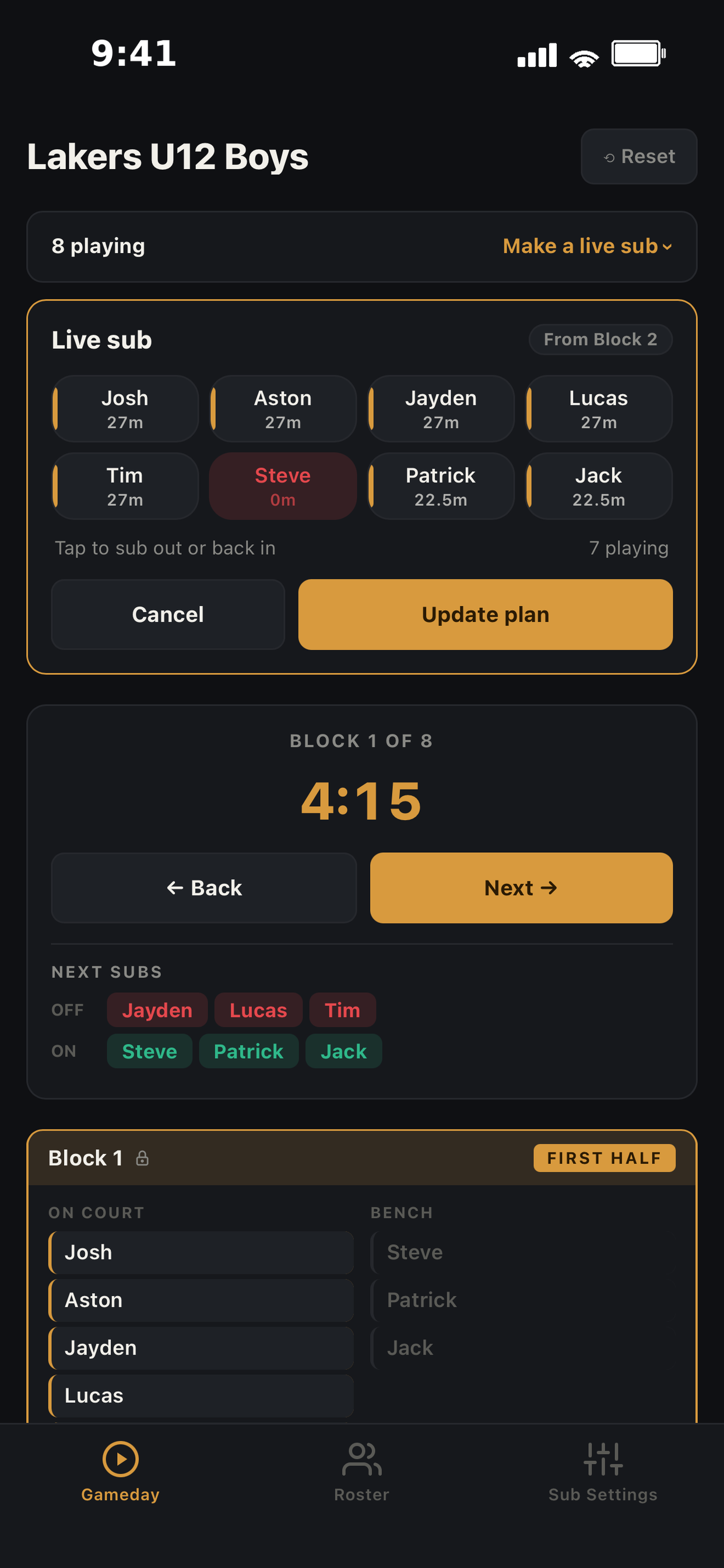
Without Sub Wizard, your brain was always running the numbers — who's due for a rest, who's been on too long, who's up next. With Sub Wizard, you get to actually watch your team play and make better in-game coaching decisions.
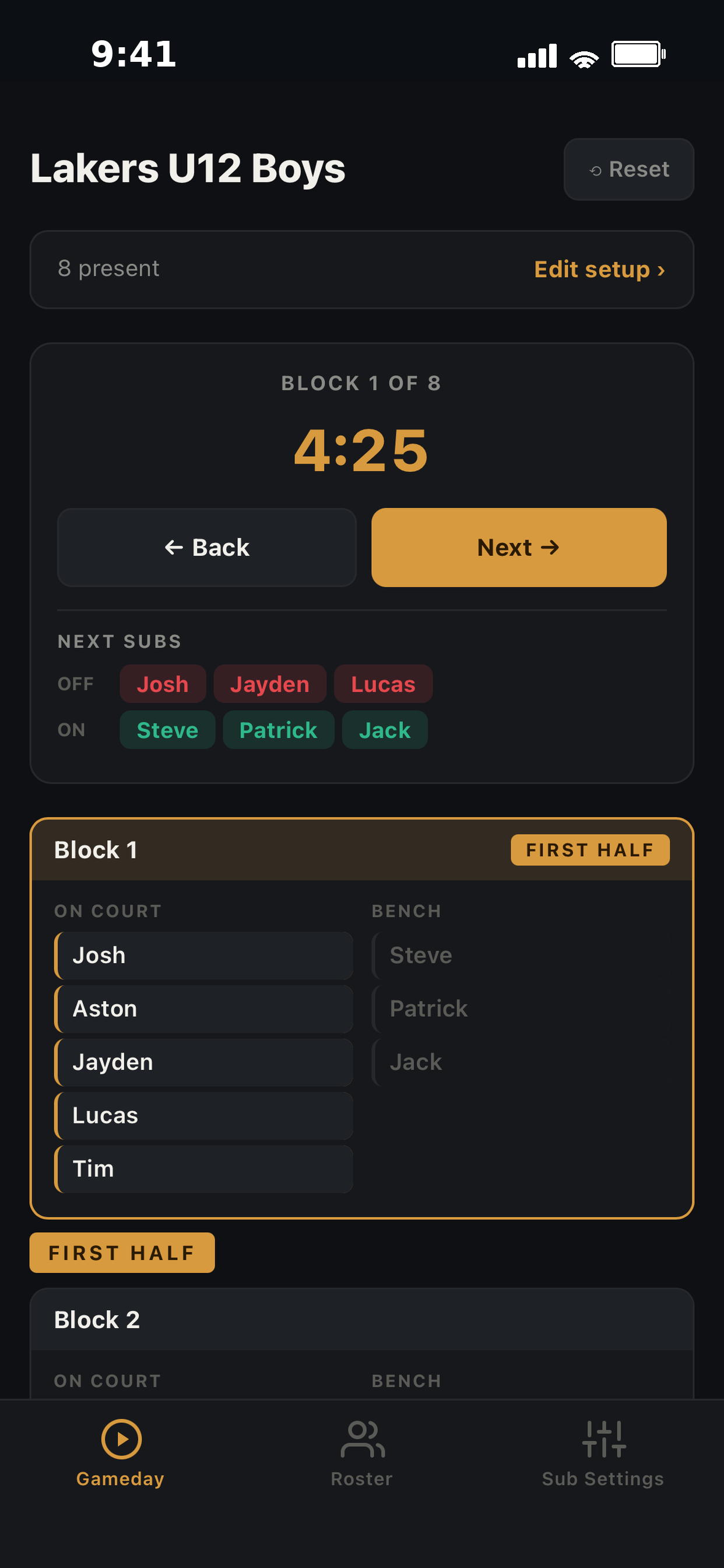
Every feature unlocked for a full month.
If Sub Wizard earns a permanent spot on your bench, unlock it for $14.99, one time. No subscription, ever.